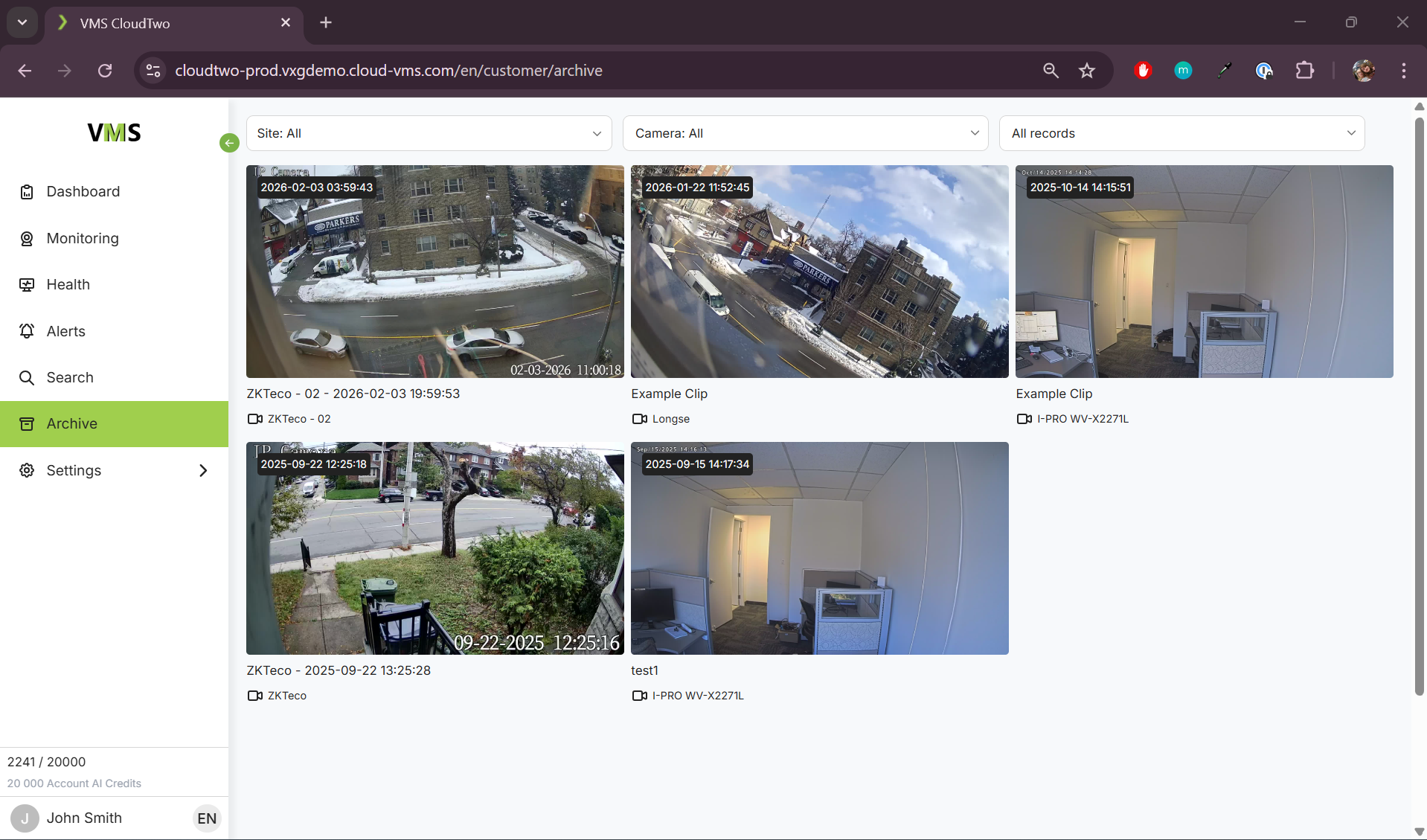
The Archive page displays all your archived clips, which are stored permanently unless manually deleted by an Operator.
Filtering Clips
-
You can filter archived clips by:
-
Site
-
Camera
-
Time
-
Viewing a Clip
-
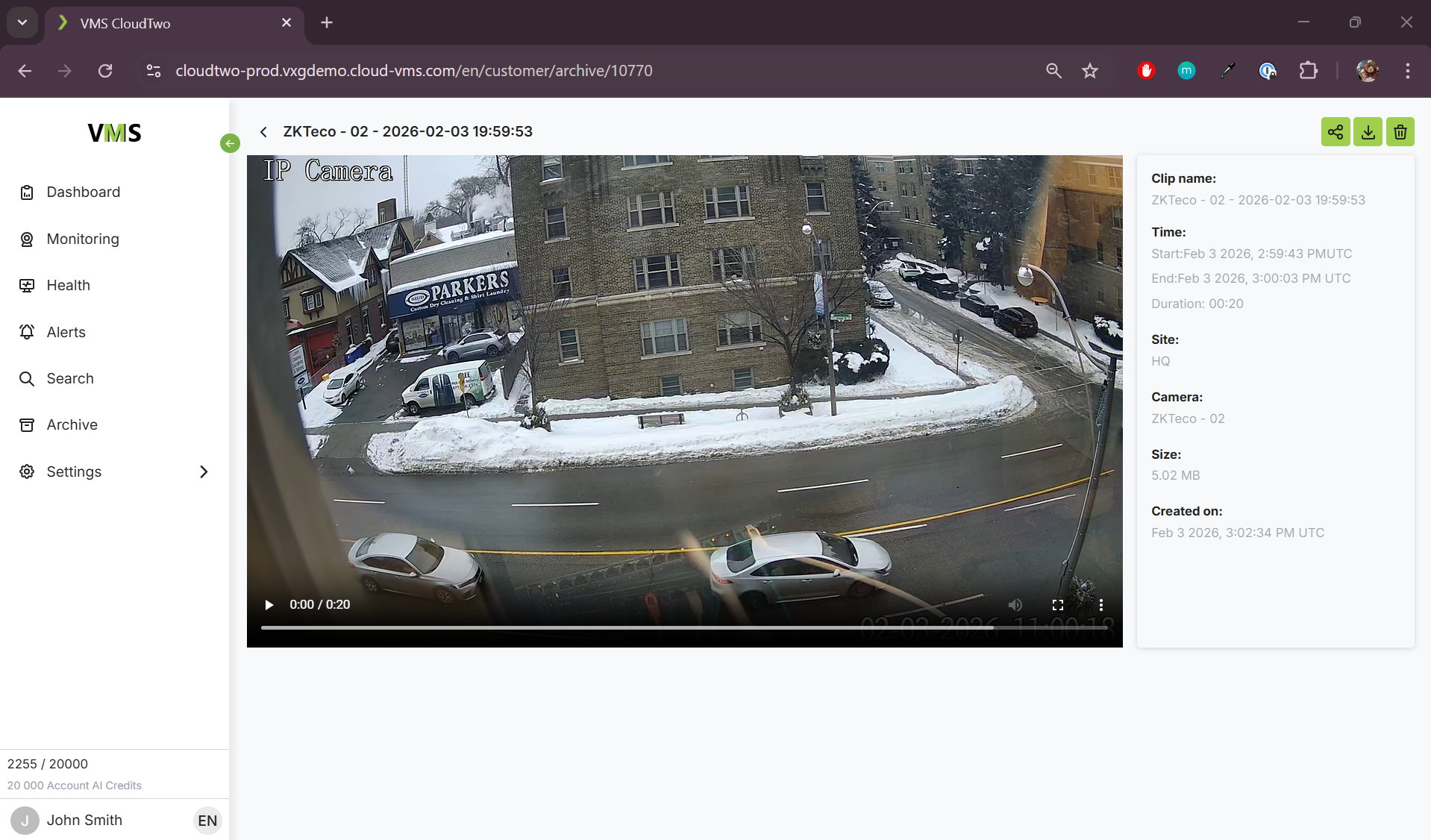
Click on a clip's snapshot to watch the clip.
Clip Management Options
-
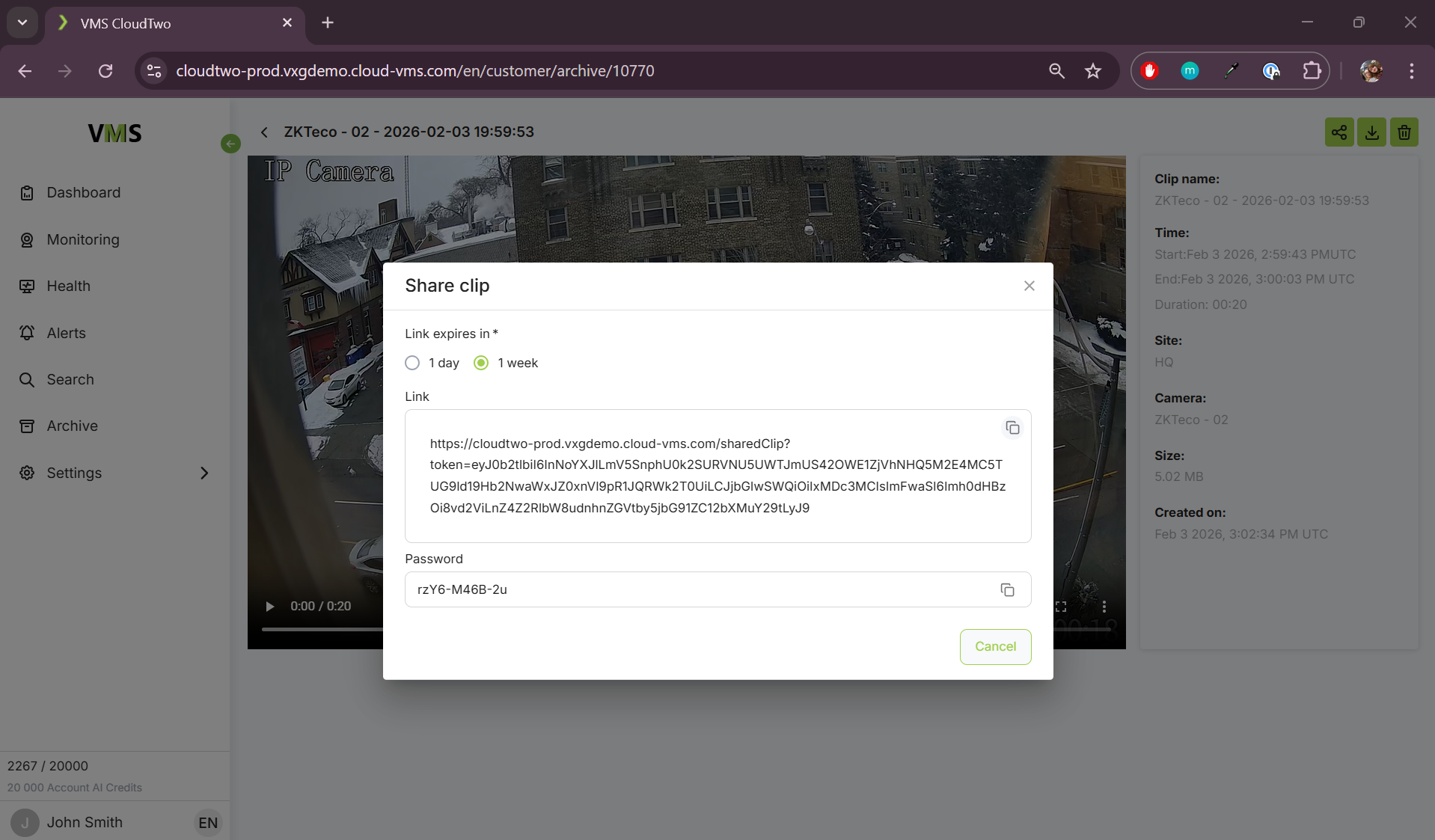
Share a Clip – Generate a one-time link with an expiration time. Anyone with this link will be able to watch video in a browser by just clicking on this link.
-
If the password feature is enabled for the system, it will autogenerate a password for the clip link. In order for someone to access the clip, they also need the password for this clip.
-
-
Download a Clip – Save the clip as a standard MP4 file.
-
Delete a Clip – Permanently remove a clip from the archive.