Hybrid VMS
Hybrid VMS is a downloadable software module. It is managed from the Cloud VMS but can also operate independently from the Cloud VMS, for example, when there is no internet connection.
It addresses two main use cases:
-
On-premises recording of video and events.
-
On-premises viewing of live and recorded video and events.
On-premises recording
Recommended when long-term on-premises storage is required. Video is recorded to a local hard drive or external NAS. Recorded video and events can be accessed through the Cloud VMS or directly from the Hybrid VMS.
On-premises viewing
Recommended when 24/7 monitoring is required. Video does not leave the premises, and there is no additional cost for monitoring. It can be viewed directly from the Hybrid VMS.
Cloud synchronization
Hybrid VMS can operate fully autonomously when there is no internet connection. When internet access is available, Hybrid VMS will synchronize some or all data with the Cloud VMS. It supports the following synchronization modes:
-
Video and events.
-
Events only.
-
No synchronization.
VMS functions
Hybrid VMS supports all Cloud VMS functions except AI. Please refer to the Functions section for more details.
API
Hybrid VMS has the same API as the Cloud VMS. Please refer to the REST API section for more details.
System requirements
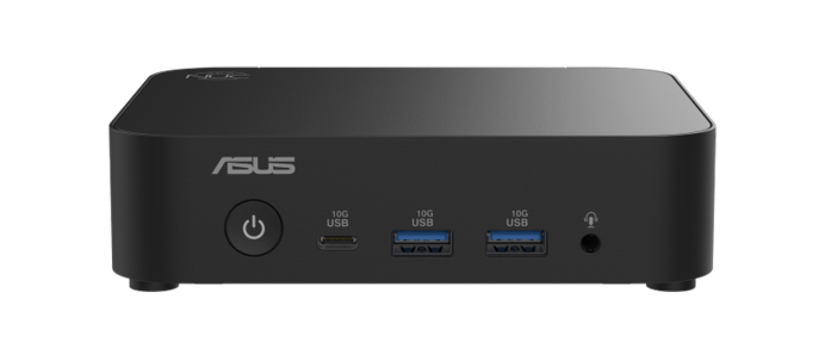
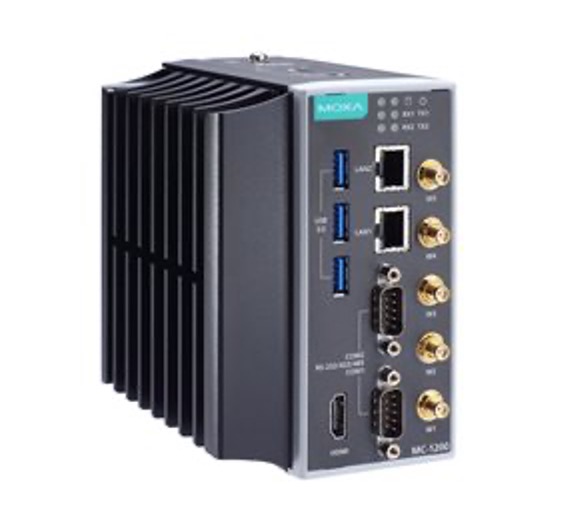
Hybrid VMS requires an x86 computer running Linux with Docker support. The minimum system requirements are the following:
-
Processor: 4 CPU threads
-
Memory: 16 GB RAM
-
Storage: 100 GB HDD
-
Network: 100 Mbps NIC
-
OS: Linux (Ubuntu 22 or higher is recommended)
External Storage
Hybrid NVR will install an object storage on a local drive. It is recommended to use an external object storage for larger deployments or longer retention time. Examples of the external storages:
-
NAS with Object Storage support such as QNAP
-
Storage servers with Object Storage support such as DELL ECS EX500