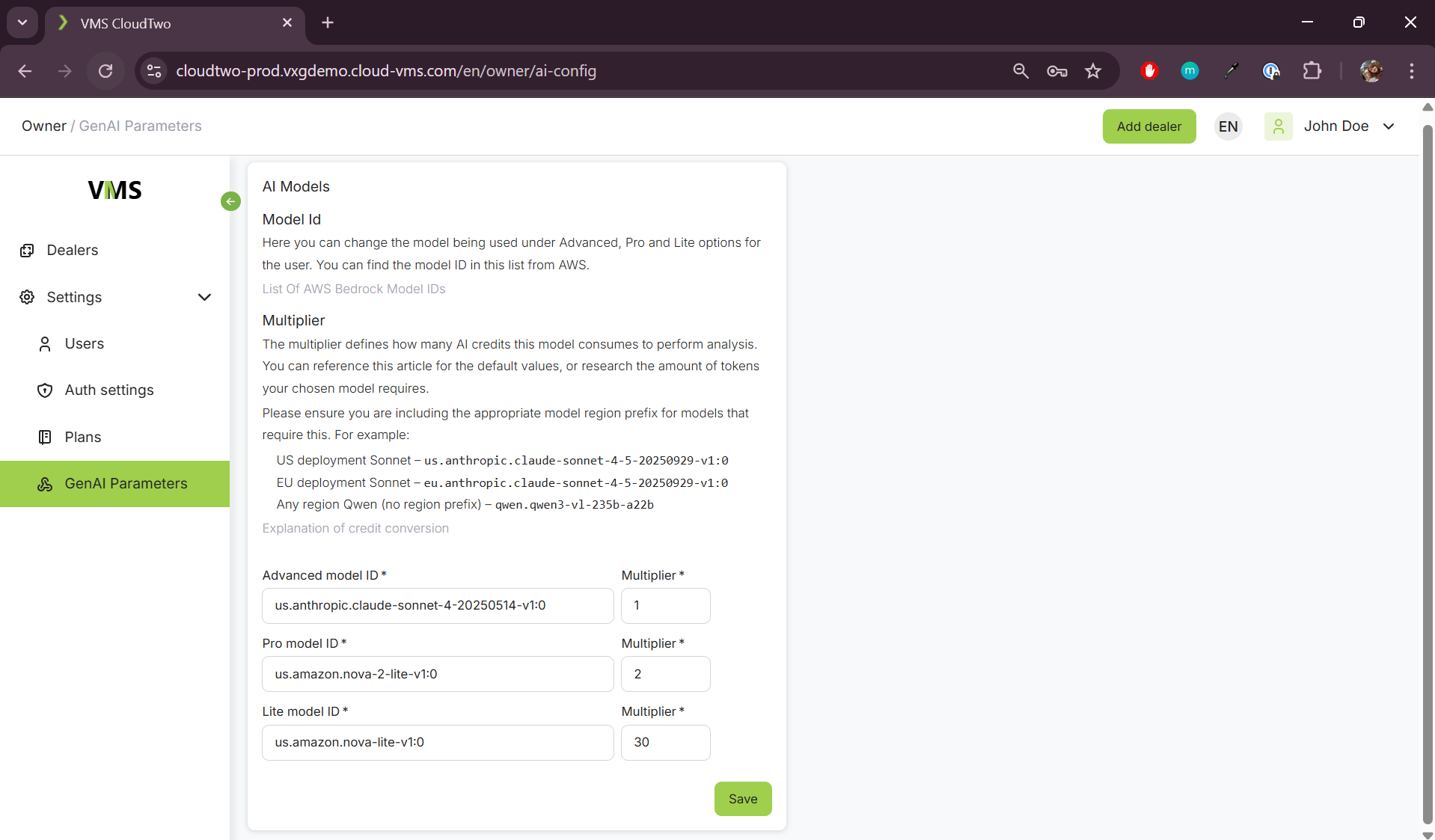
From this page, the Admin can set the LLM models used everywhere in the system. These models are not shown to the customers, but are labeled as Advanced, Pro and Lite. The admin can also assign different multipliers that change the way the usage is calculated for each model. The default settings are:
|
Model Label |
Multiplier |
|---|---|
|
Advanced |
1 |
|
Pro |
2 |
|
Lite |
30 |
These are based on calculations are based on the token price of the default models. It is recommended that the Lite models be set to something cheap and lightweight where Advanced models can be something more expensive that is capable of more complex reasoning. You can find more information on this in the article.
Something important to note, when these models are changed they aren’t updated for existing camera plans or alert rules. Those will continue to use the previous model until a customer updates the camera or alert rule with the new advanced, pro or lite model.
Currently, the most tested models used for this system are Claude Sonnet, Nova and Qwen, more information on finding and choosing model ID’s can be found in the link found on this page.