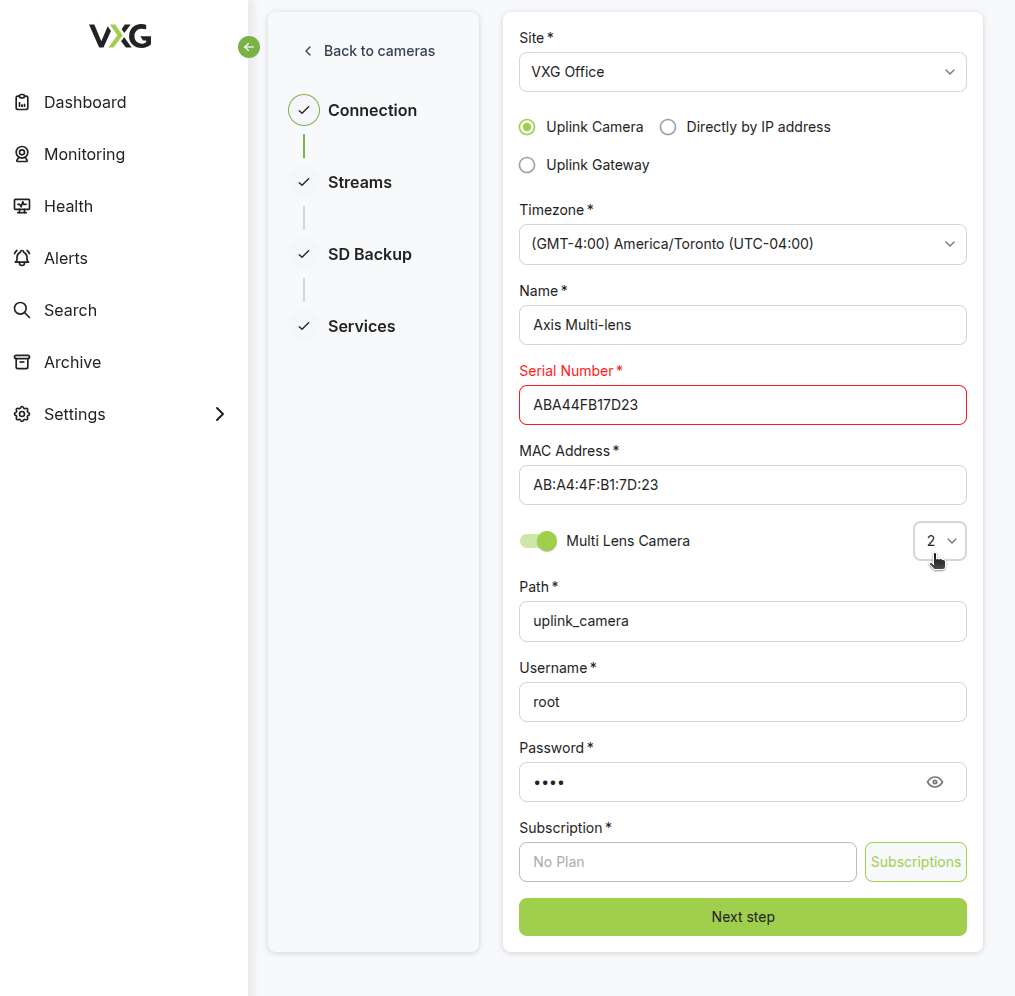
Initial Camera Setup - Lens 1
-
Add the first instance of the camera, which will act as lens number 1, to the Cloud VMS.
Use the camera’s Serial Number, MAC Address, and select lens number 1 when adding the Uplink camera.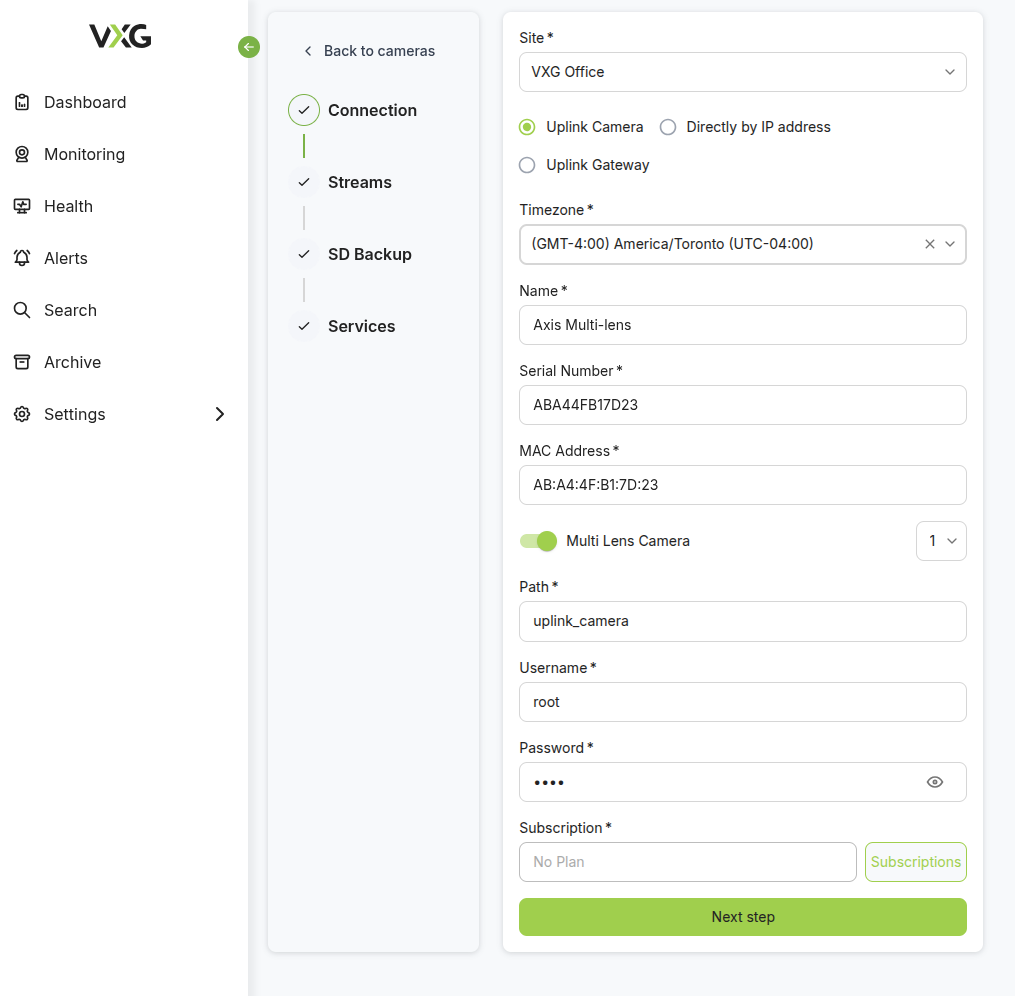
-
Install the Uplink App on the camera and start the application.
Adding Additional Lenses
-
Add another Uplink camera using the camera’s Serial Number, MAC Address.
Make sure to specify the new lens number which is being added.